Cart
0
Sign up and get 10$ off your order
Expected delivery
1-3 days
You may also like


Danish Company

A chair is ergonomic when it fits your body, your desk and the job you are doing, not because of a label on the box. Get five things right and most chairs feel better: seat height, seat depth, back support, armrest height and how often you get up. This guide walks through each one with numbers from workplace-safety and university sources. It then shows how to apply the same logic to a travel stool, a commuter perch or a camp chair that has no levers at all.
The word gets stuck on office chairs with a lot of levers, but the idea is simpler. The Canadian Centre for Occupational Health and Safety explains that a chair becomes ergonomic only when it suits the worker’s size, workstation and tasks. Chairs sold as ergonomic are designed for a range of people, but there is no guarantee they suit you in particular.
That is good news. It means you do not need to hunt for a magic model. You need a handful of measurements and some patience.
The target is what UCLA Ergonomics calls neutral posture, a slightly reclined position in which the spine is most comfortable. In that position the backrest supports the spine from the top of the hips to the bottom of the shoulder blades. The seat leaves a small gap, 1 to 2 inches, between its front edge and the back of your knees.

UCSF puts the purpose in one line: support a neutral posture and the natural curve of your spine. Everything below serves that goal.
Work from the floor up. Each step changes the next, so the order matters.
If your feet dangle after step 1, raise the seat and use a footrest. A stack of sturdy books is a fine start. Your thighs should not be pressed into the seat edge.
If you are shopping, a long feature list is less useful than knowing which features do real work. CCOHS lists adjustable seat height, an adjustable backrest with firm lumbar support, suitable seat depth and width, a breathable surface, adjustable armrests and a five-point base.
| Feature | What to look for | Why it matters |
|---|---|---|
| Seat height | Adjustable so feet rest on the floor or a footrest with no pressure under the thighs | Keeps the legs relaxed and blood flowing |
| Seat width | At least one inch wider than your hips and thighs on each side, per Cornell’s CUergo guide | Room to shift position |
| Seat front edge | Rounded and padded. The UK’s HSE seating guidance warns against edges that dig into the thighs | Avoids pressure behind the knees |
| Seat surface | Firm, flat, not deeply hollowed. HSE notes deep shaping makes it harder to change position | Easier to get up and move |
| Backrest | Adjustable in height and depth with firm lower-back support | Holds the natural curve of the spine |
| Armrests | Adjustable in height and width | Relaxes the neck and shoulders |
| Cushion quality | Still comfortable after 60 to 120 minutes. CUergo warns low-density foam can deform permanently with continuous use | A seat that feels fine for five minutes can fail at hour two |
For a workplace chair, the University of Virginia suggests a chair should at least meet the ANSI/BIFMA X5.1-2017 (R2022) standard. That includes seat-depth adjustment of 2 inches or more and armrests adjustable for height and width. The same guidance gives seat-height ranges: 15 to 20 inches for petite users, 16 to 21 for average and 17 to 22 for tall.
Two features get the most attention and the least explanation.
Lumbar support is there to keep the small inward curve your lower spine has when you stand. Haworth explains that this curve, called lordosis, is maintained by good lumbar support, which reduces pressure between the vertebrae. Firm is the key word. CCOHS says the support should not create pressure points that restrict circulation.
Armrests exist to take weight off your neck and shoulders. Haworth notes your arms are about 10% of your body weight, so letting them rest on properly set armrests spares the muscles up top. Set too high, they do the opposite.
Back comfort matters at every stage of life. If you are expecting and your lower back is complaining, these same ideas apply, and some pregnancy back pain tips cover the day-to-day side. Anything medical belongs with your doctor or midwife.
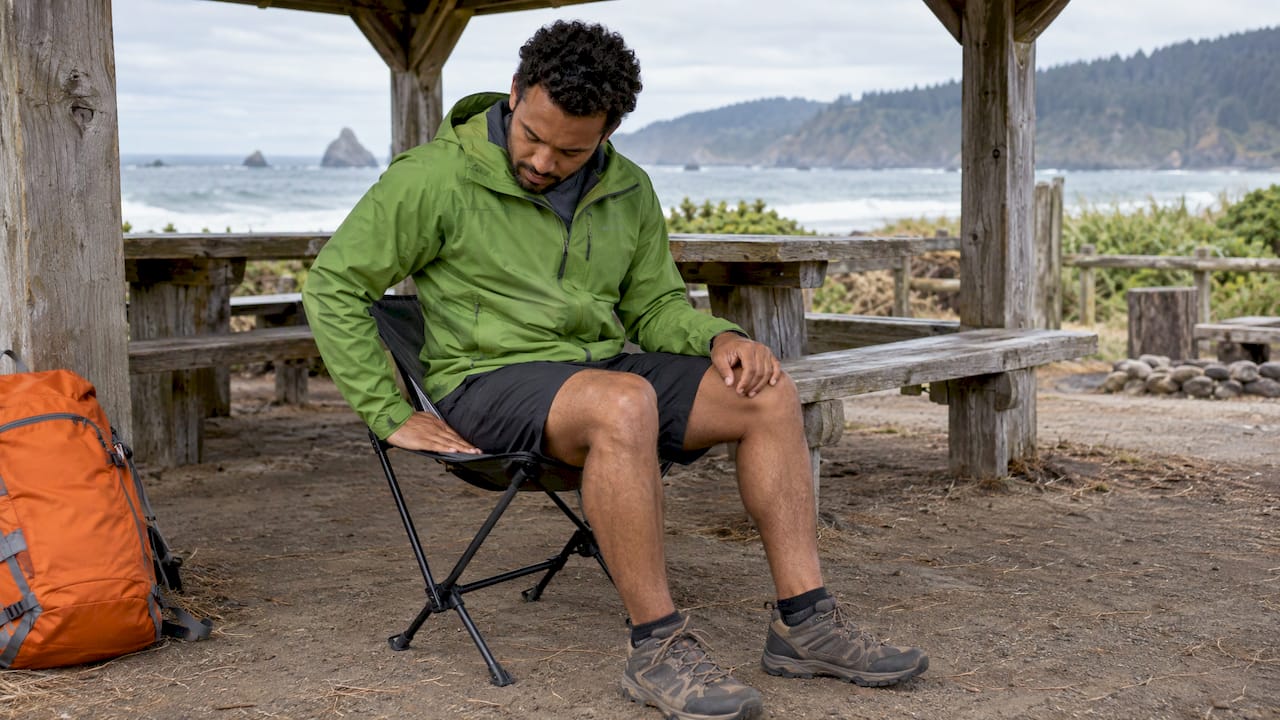
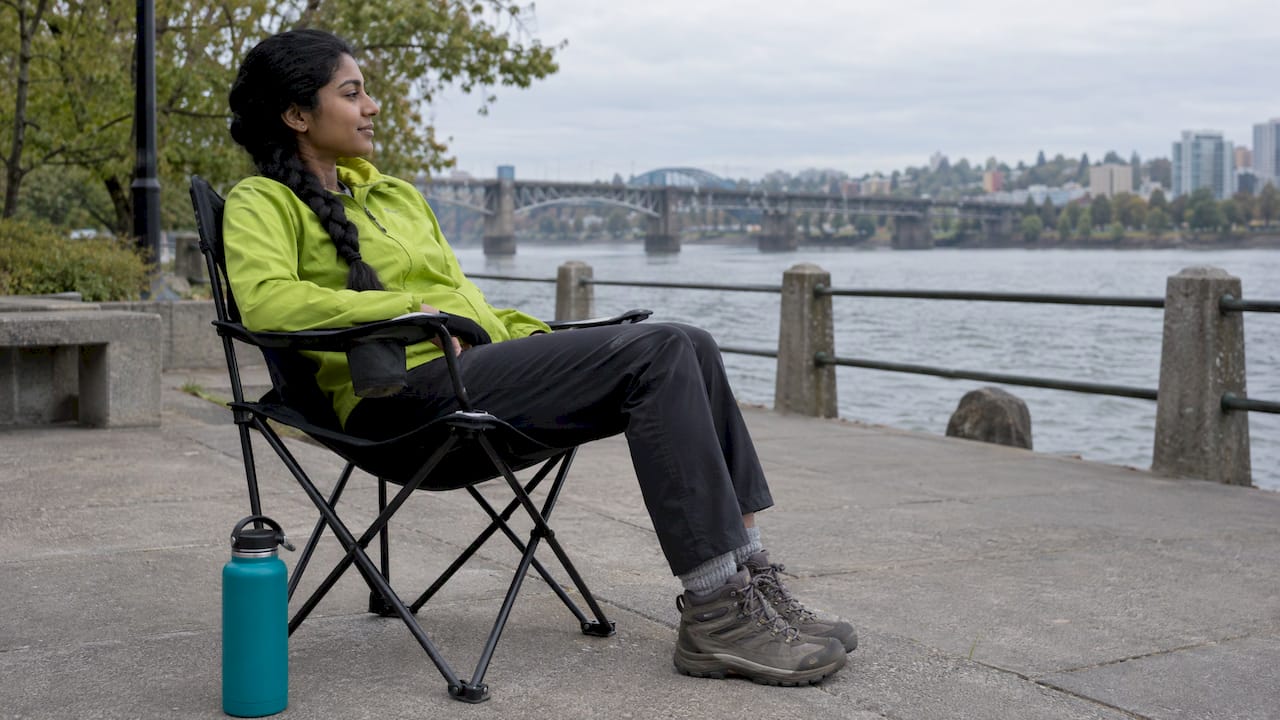
This is where most guides stop, and where most of us actually sit: on a bench at the trailhead, a stool at the sports field, a folding chair at a campsite. Without levers, you adjust yourself and add small support.

The NHS trust at Cambridge University Hospitals gives the core routine. Sit with your bottom at the back of the chair so your pelvis does not tip back, keep your feet flat and your bottom level with your knees. For extra back support, use a lumbar roll or a small rolled-up towel at the bottom of your back.
UCLA Health agrees on the principle: a cushion that arches your lower back slightly stops you slumping forward as you tire.
A few practical habits:
We make portable chairs, so we spend a lot of time thinking about the gap between a perfect office chair and the places people actually sit. Our view is that good sitting is a habit as much as a product. You can read the fit rules above, pick a seat that suits your legs and set yourself up well wherever you land.
That is why we design around lightweight, minimalist chairs you will really carry with you. The best seat is the one that is with you when you need to sit down, whether that is at a festival, on a long commute wait, at a campfire or at the edge of a trail. A chair left at home does nothing for your back.
Our Campster II and the rest of our range are built around durability and easy carrying, and we back select items with a lifetime warranty and a 45-day satisfaction guarantee. Pair a chair that goes everywhere with the small habits in this guide: sit back, keep your feet flat, add a little support and stand up regularly. That combination is what keeps a long day outdoors comfortable.
Jonas
The most carefully tuned chair still cannot replace movement. CCOHS recommends 5-minute activity breaks for every 40 to 50 minutes of sitting and setting reminders. France’s INRS says to break sedentary postures ideally every 30 minutes.
A 2024 study of 57 office workers found that stretching and mobility breaks every 30 minutes reduced back muscle overload compared with 90 minutes of continuous sitting. It is a small study, but it fits the guidance above.
A workable rhythm:
If you live with back pain, your care team may suggest pacing, which means sitting for a planned time and building it up. The Cambridge NHS page describes the pacing technique as a way to gradually increase sitting tolerance. Ask your physician or physical therapist what is right for you.
The ergonomics change, but the logic does not. You are still looking for feet supported, hips and knees near right angles, a supported lower back and regular movement.
On a plane, train or bus, Spine-health advises bringing a lumbar pillow or a rolled-up jacket or blanket for low back support, a neck pillow and, if possible, a footrest. It also suggests walking at least once an hour and requesting an aisle seat in advance so moving is easy.
For the outdoors:
Standards for chairs differ by country, so check what applies to you. In the United States, ANSI/BIFMA X5.1 is the benchmark that the University of Virginia guidance points to for workplace task chairs, as noted above. In the UK, the HSE’s seating guidance (HSG57) covers workplace seating. In Canada, CCOHS publishes the guidance referenced throughout this article. In Mexico, new provisions on the right to rest for workers in standing positions took effect on 17 July 2025, and they require suitable seats with backrests that have ergonomic features in applicable workplaces.
These rules cover workplace chairs. A camp or travel chair is not an office chair, and it is the habits above that make the difference for it. If you work for an employer, ask whether your workplace offers a chair fitting. The University of Virginia notes that a chair fitting helps an ergonomist match a chair to your body dimensions.
We have written about this on our blog, if you want to go deeper:
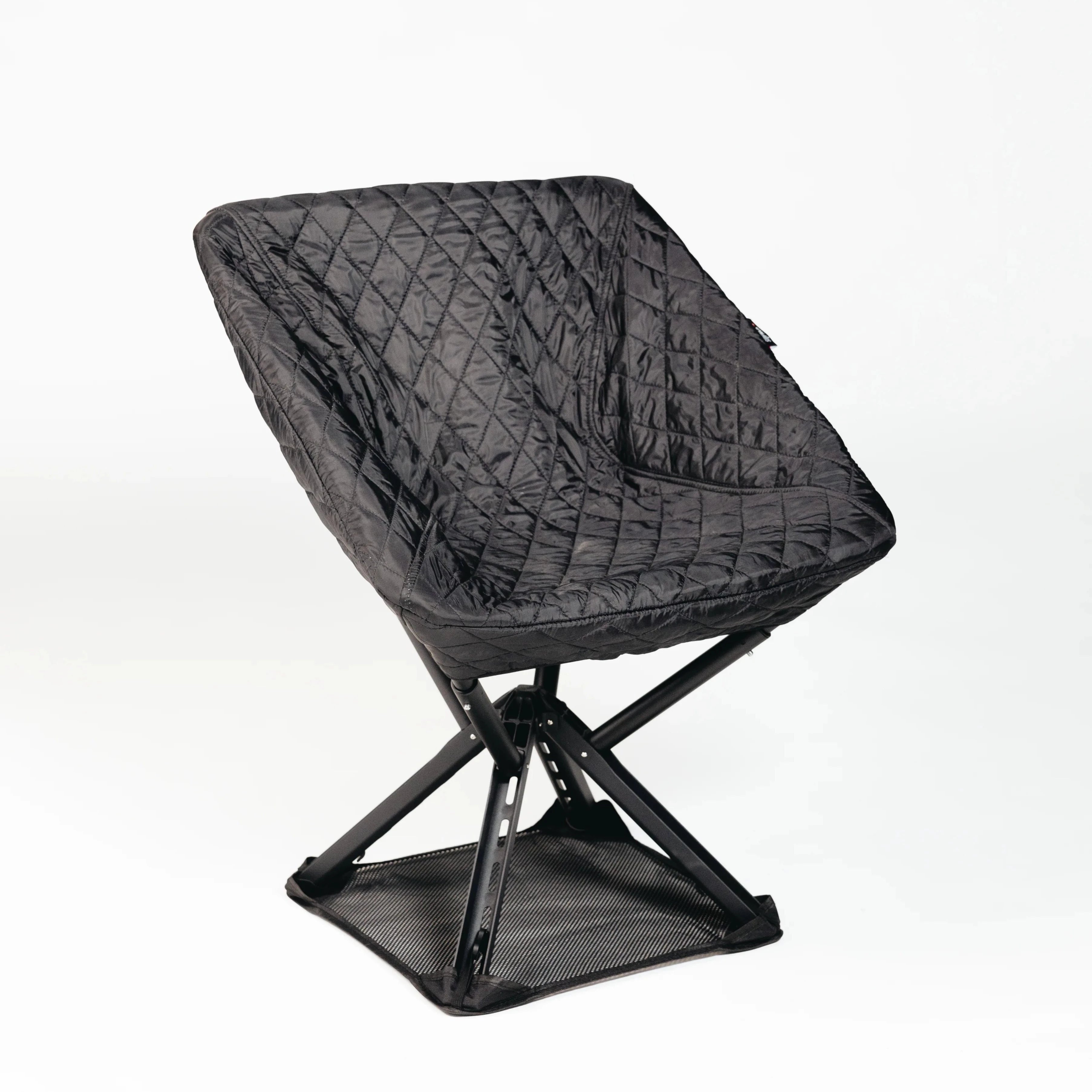
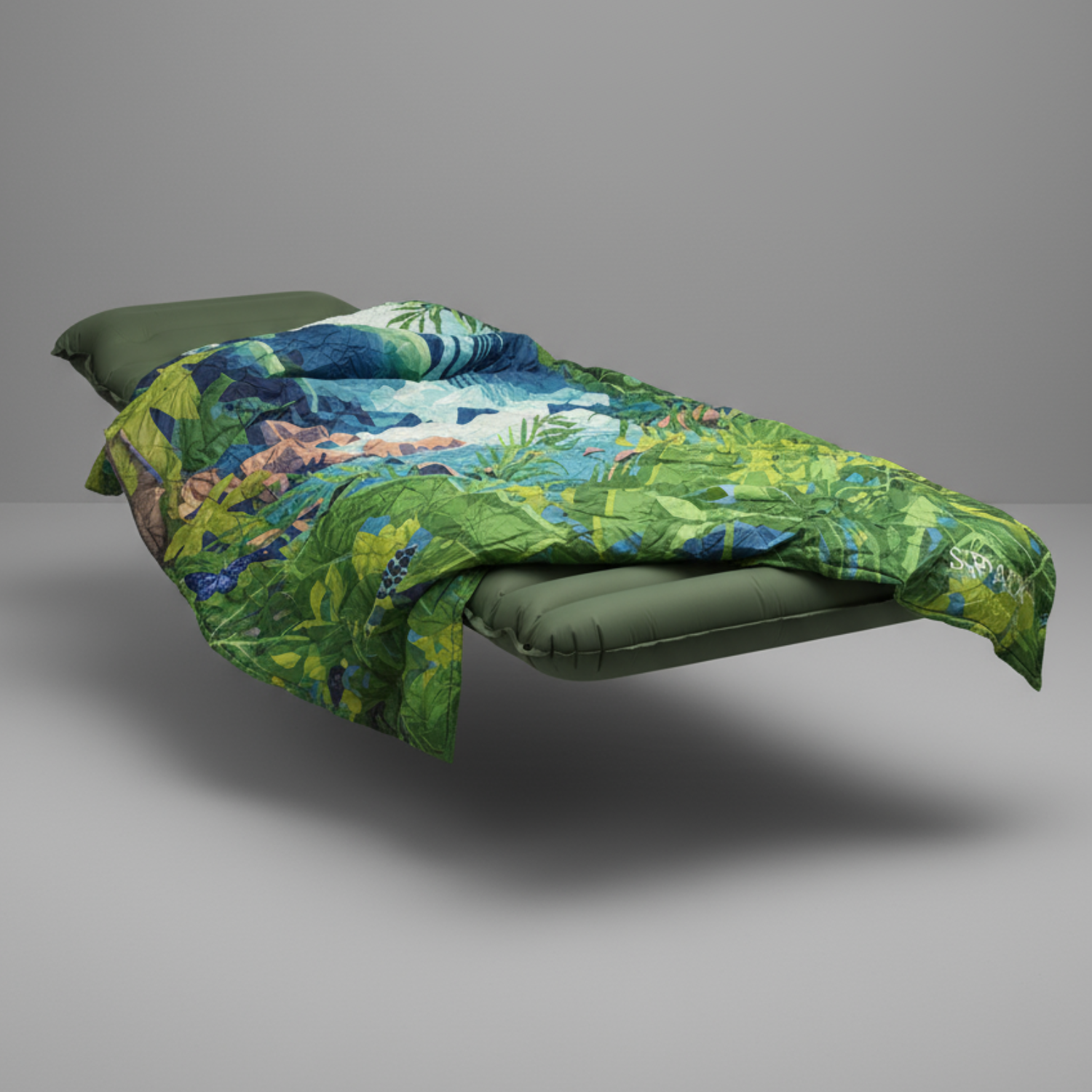
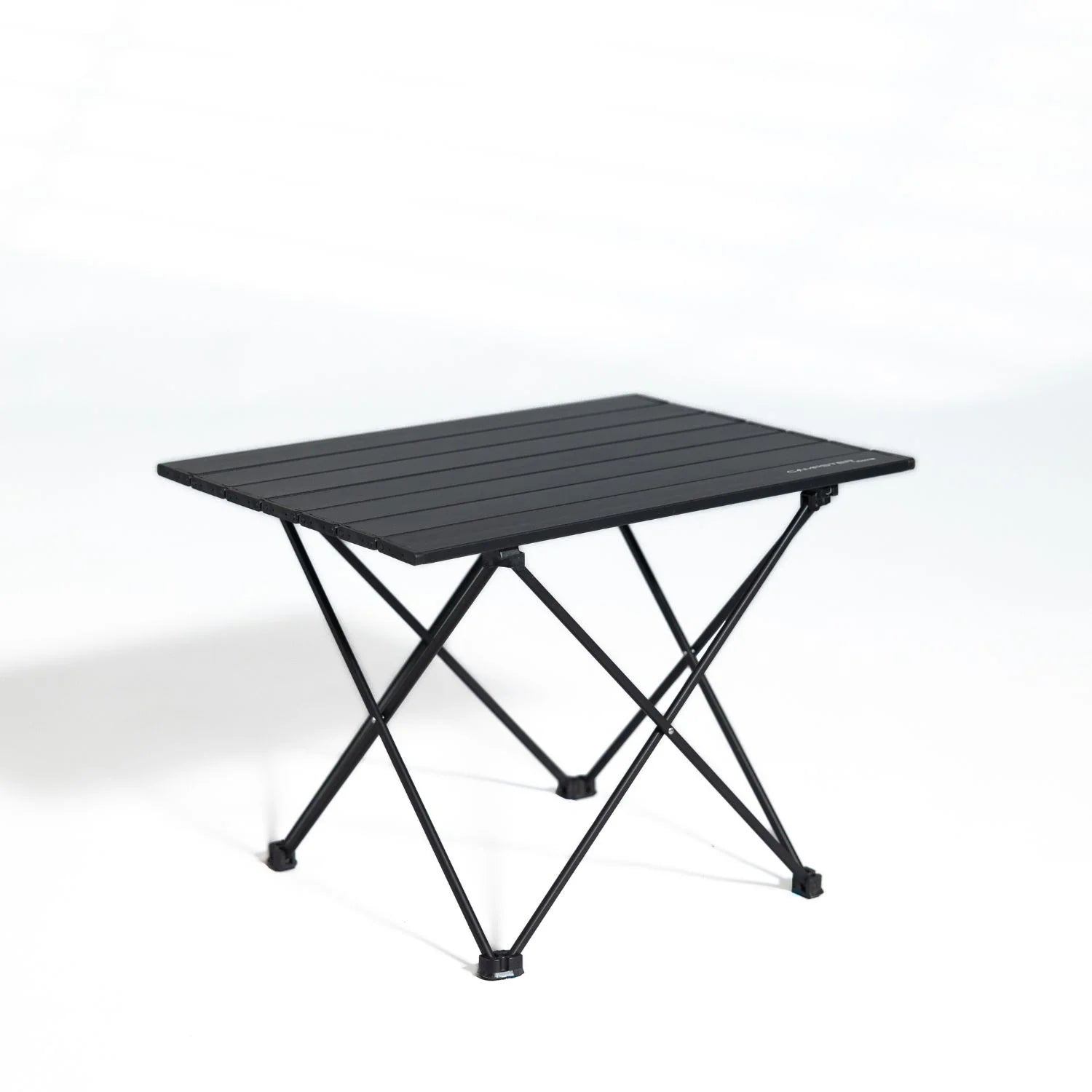
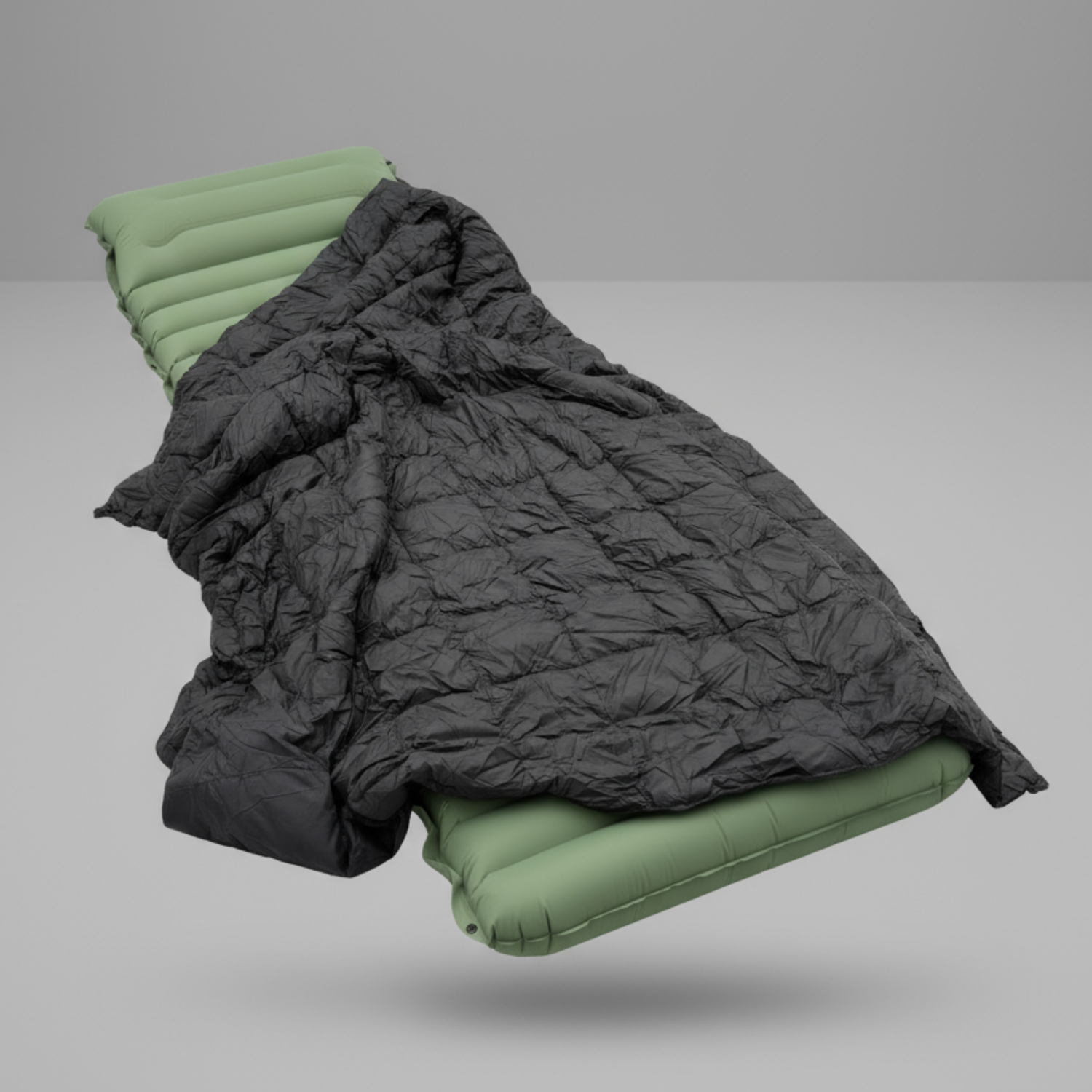
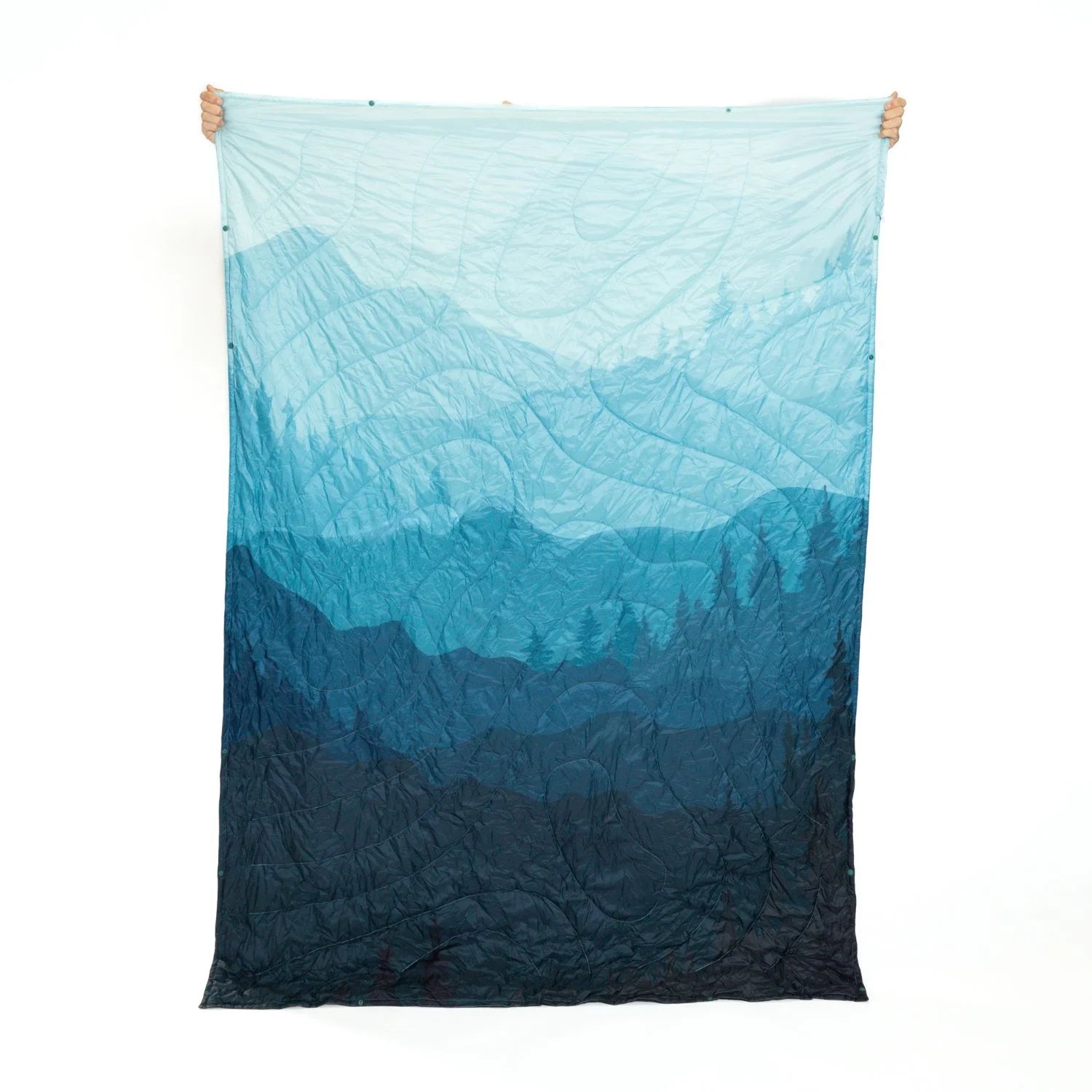
If your sitting happens off the desk, we build lightweight, minimalist, durable seats for it. The Campster II is our go-to portable chair for camping, trips and city days. Our full range of chairs, stools and accessories includes blankets, seat warmers, tables and more, and we ship worldwide. Your order comes with a 45-day satisfaction guarantee, and select items carry a lifetime warranty.

Want a complete kit? Our Sitpack 2.0 value bundle puts seating and extras together in one order.
For most people, the seat’s highest point should sit just below the kneecap when you stand in front of it. When you sit, your feet should be flat on the floor with your hips level with or slightly above your knees. If your feet do not reach, add a footrest.
Sources vary a little, which tells you there is a comfortable range. CCOHS suggests about a clenched fist (2 inches) from the seat edge to your calves, while Queensland’s regulator suggests two to three fingers behind the knee. Aim for enough room to move your legs without losing contact with the backrest.
Only if you can set them correctly. They should barely touch your elbows when your forearms are at about 90 degrees. CCOHS advises removing them if even their lowest setting raises your elbows.
Roll a small towel, jacket or blanket and place it at the bottom of your back, as Cambridge University Hospitals suggests. Sit all the way back so the roll holds the natural curve of your lower spine. Adjust the thickness until you feel supported without being pushed forward.
CCOHS recommends a 5-minute break for every 40 to 50 minutes of sitting, and INRS suggests breaking up sitting about every 30 minutes. Choose the rhythm that suits your day and stick with it. If you have back pain, ask your physician or physical therapist for a plan.