Cart
0
Sign up and get 10$ off your order
Expected delivery
1-3 days
You may also like
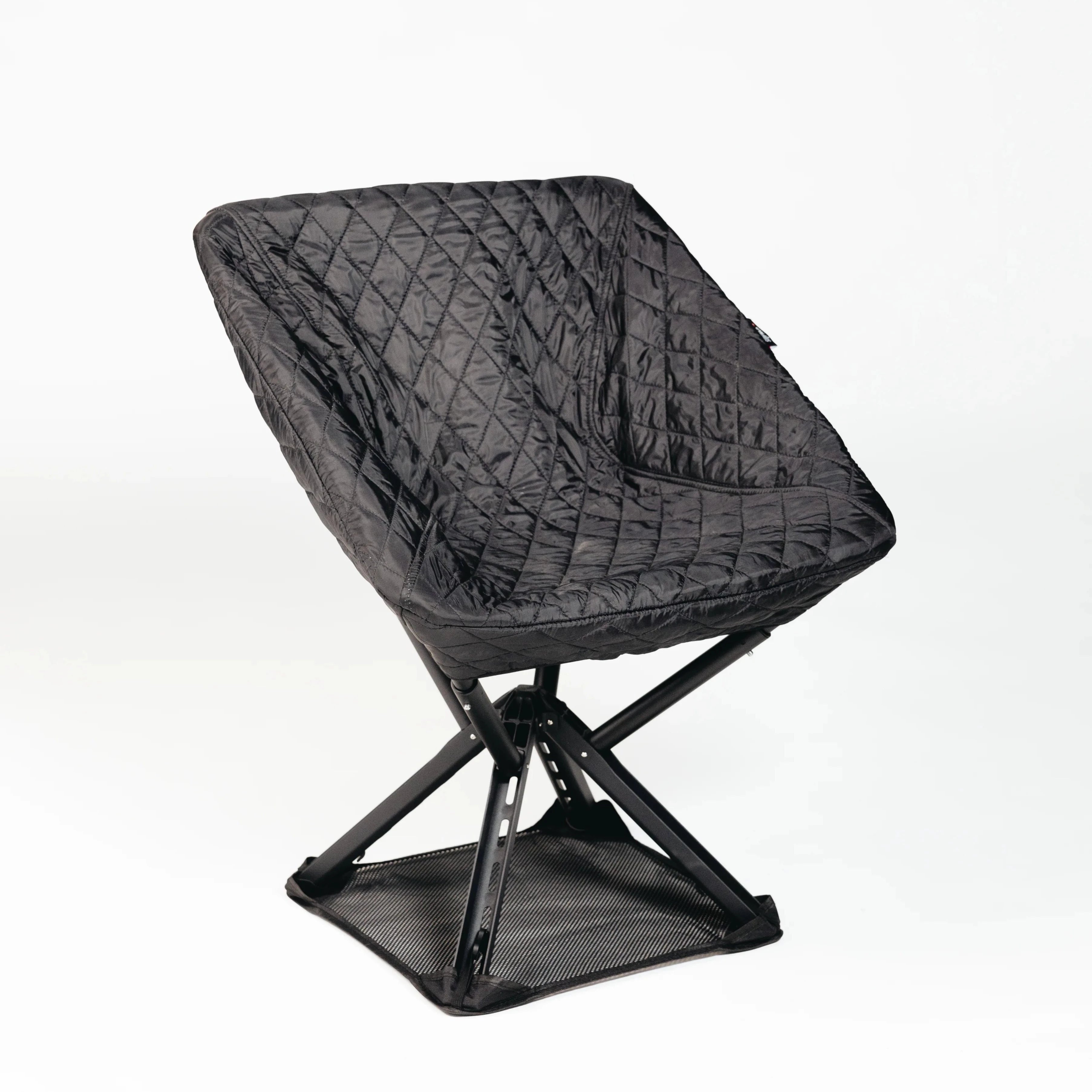
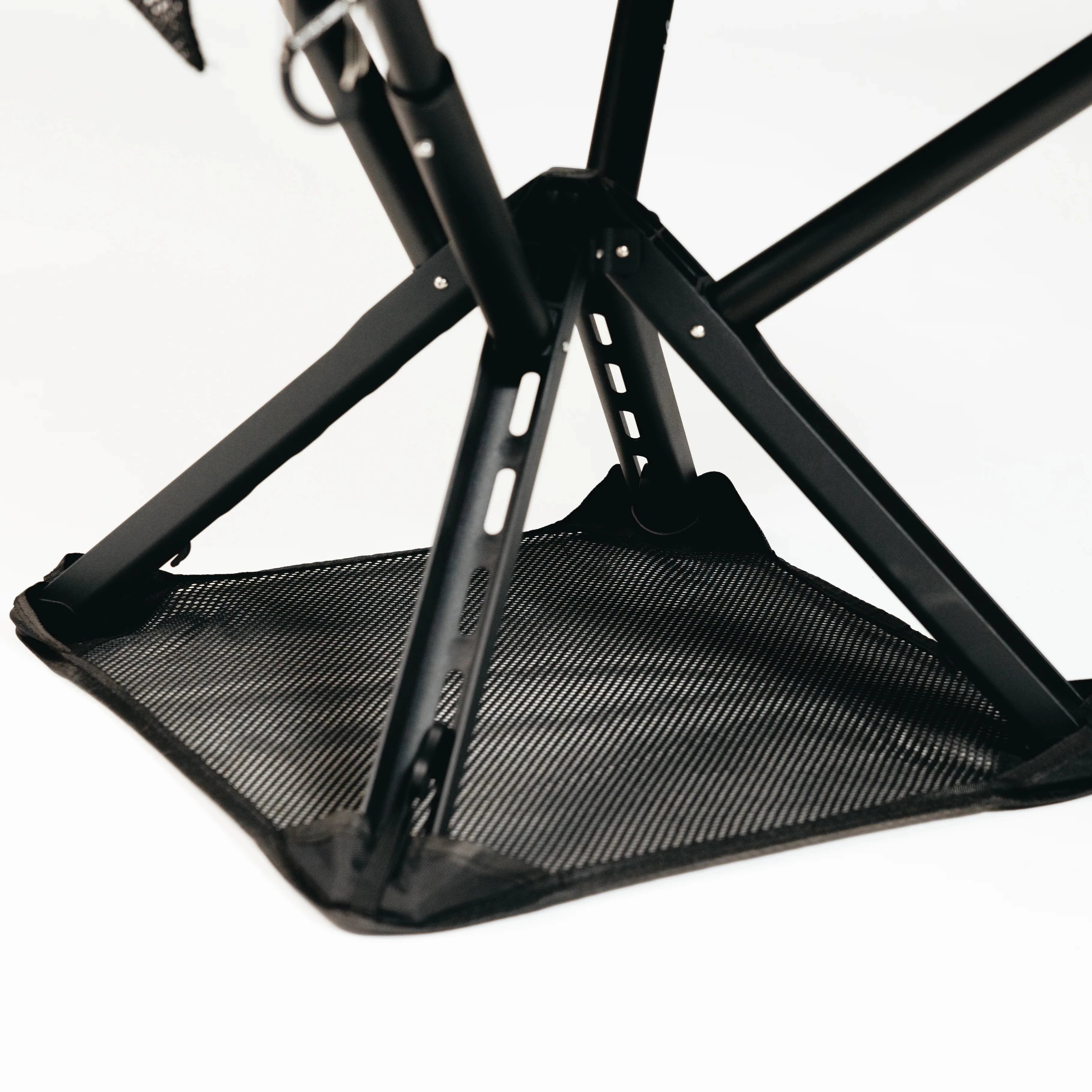
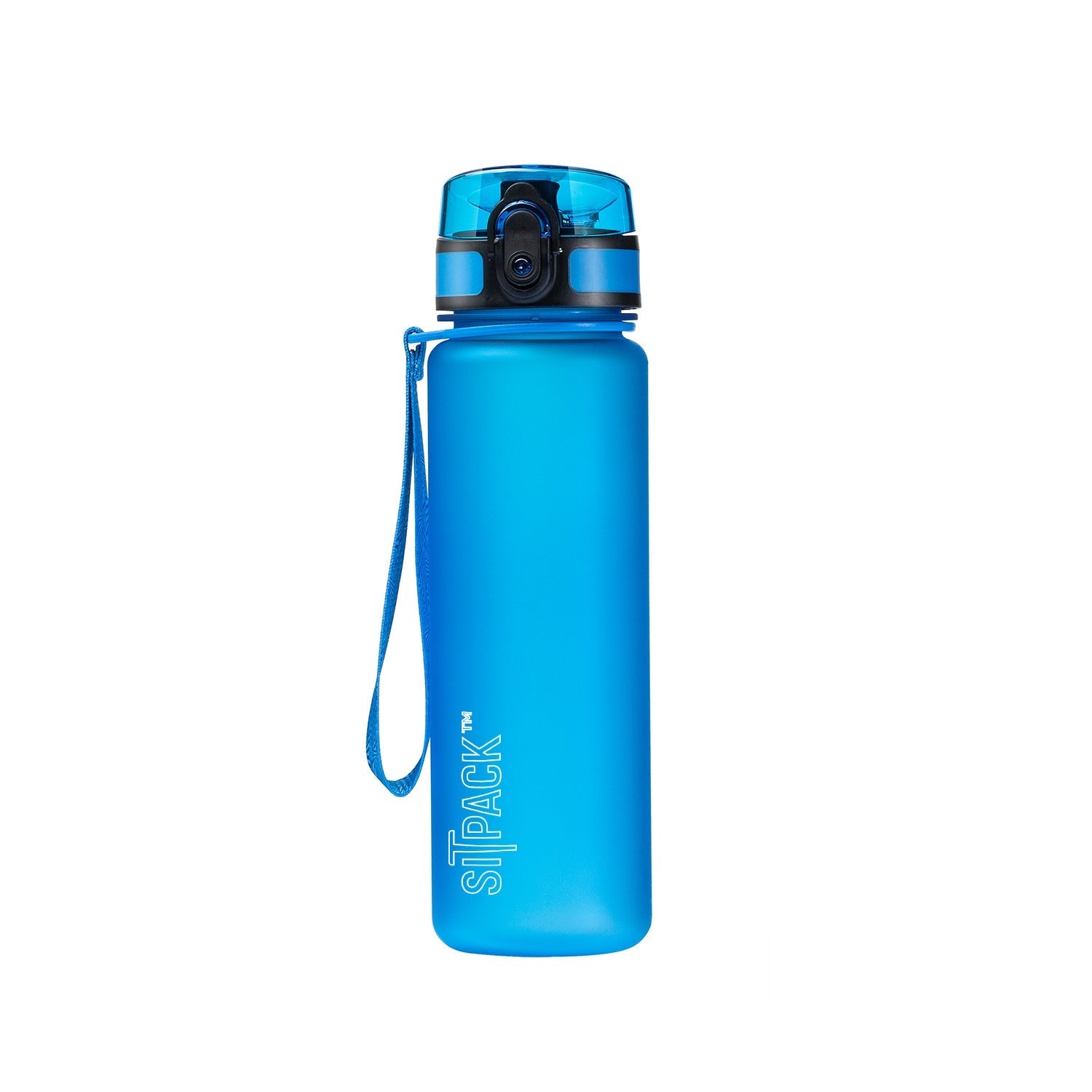

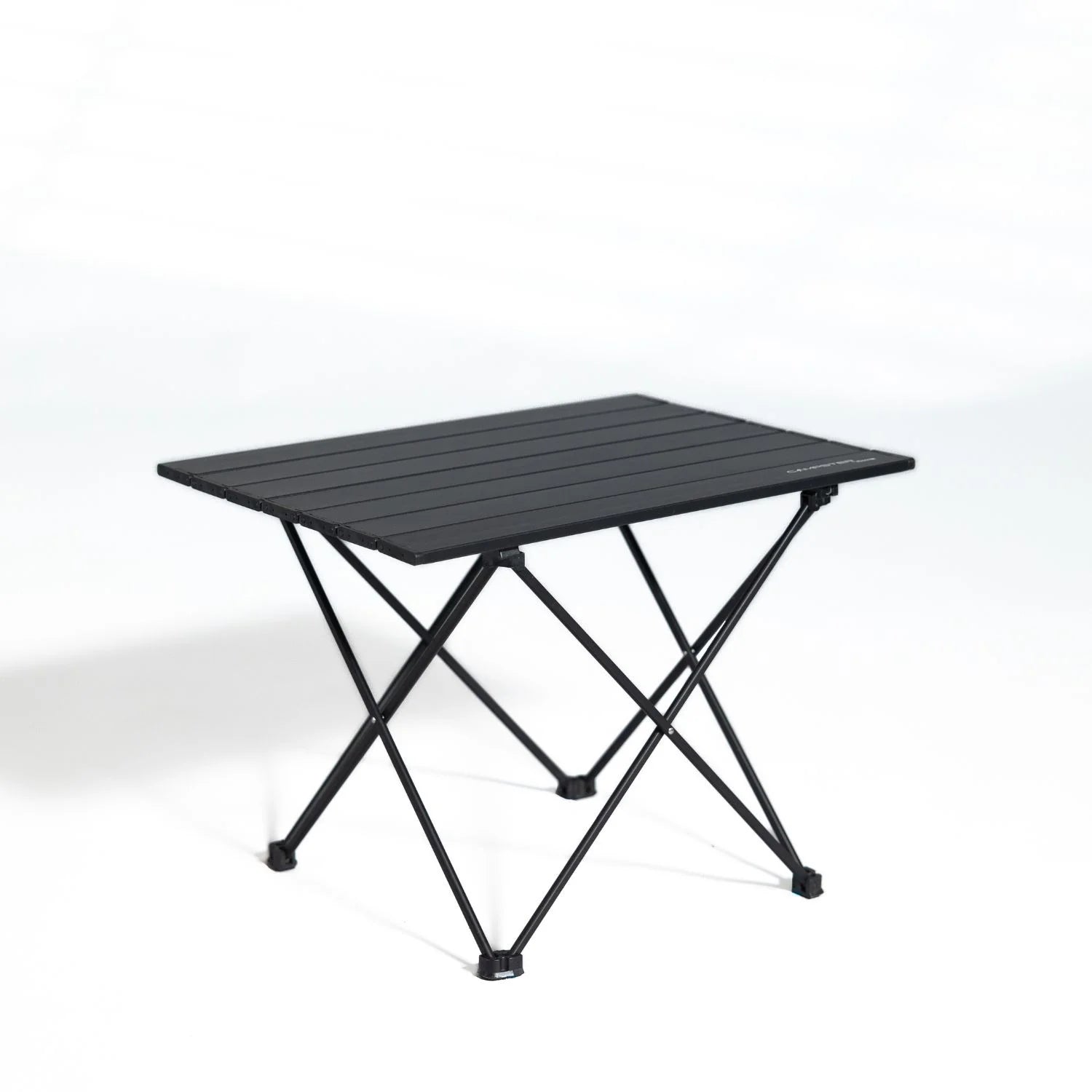



Danish Company

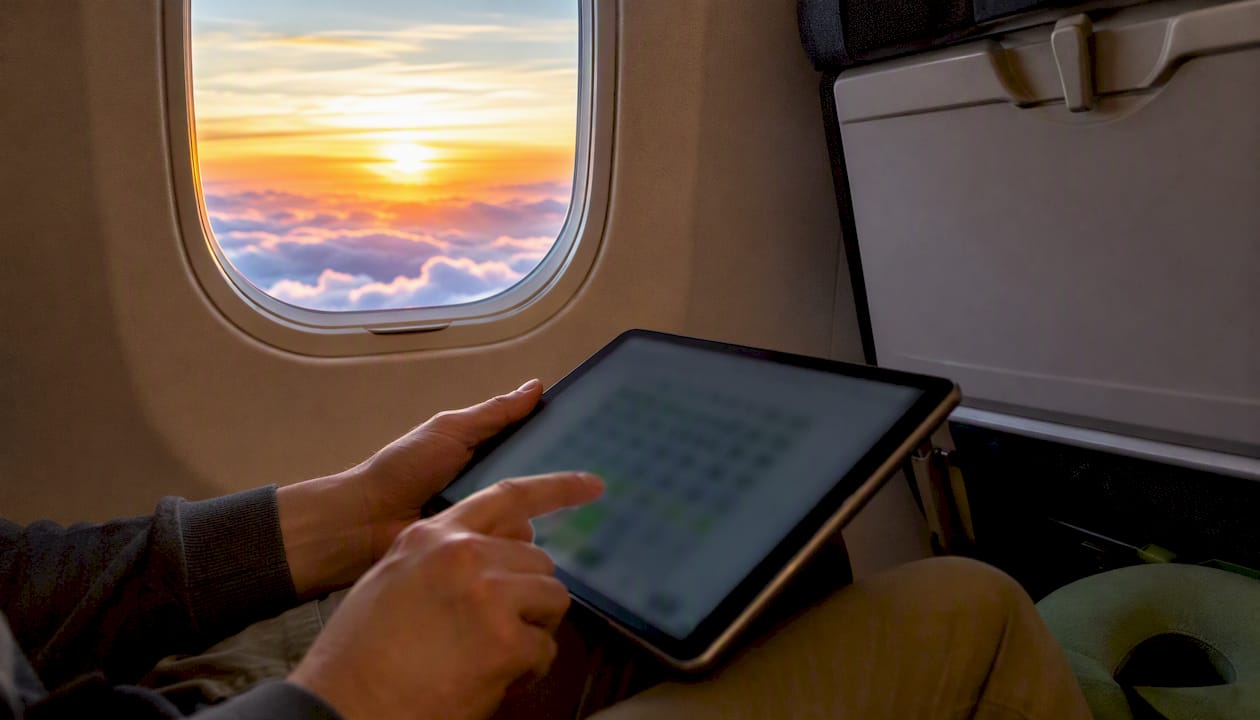
The best seat on any flight is the one that matches your single top travel need — sleep, legroom, quick exit, or family adjacency — confirmed available on a live seat map before you pay. That’s the whole game. Start with SeatGuru for seat-by-seat ratings, SeatCompare.ai for flight-number live maps and swap-risk warnings, AeroLOPA for detailed aircraft variant layouts, ExpertFlyer for live availability and seat alerts, and SeatMaps for broad airline coverage.
Pro Tip: Before you pay for a seat, open a live map and check three things: is the seat occupied or blocked, is there a galley or lavatory icon within two rows, and does the seat carry any caution marker (limited recline, fixed armrest, bassinet row)?
Match your seat to your single top travel need, then confirm live availability on a flight-number seat map before paying — that two-step process beats every seat-selection shortcut.
| Point | Details |
|---|---|
| Match seat to one priority | Decide sleep, legroom, quick exit, or family adjacency first — then filter the map by that need. |
| Use flight-number search | A flight-number search on SeatCompare.ai or ExpertFlyer shows the actual assigned aircraft, not a generic layout. |
| Set alerts for target seats | ExpertFlyer alerts notify you the moment a blocked or occupied seat clears, including exit rows at check-in. |
| Recheck at 24-hour check-in | Airlines release held seats at online check-in — this is when the map reshuffles most in your favor. |
| Sitpack as a comfort fallback | When the ideal seat isn’t available, Sitpack travel accessories improve comfort on any seat without an upgrade fee. |
Not all seat-map sources are equal, and using the wrong one can leave you staring at a layout that doesn’t match your actual aircraft. Here’s how the main tools break down:
Searching effectively matters as much as the tool you use. Flight-number search gives you the most accurate result because it locks to the specific aircraft assigned to your departure. Airline-plus-route searches are a reasonable fallback, but they can return the wrong variant if the airline operates multiple aircraft types on that route. Always cross-check the airline’s own booking map against a third-party tool — airlines sometimes show a generic layout rather than the actual assigned aircraft, and AeroLOPA’s variant navigation is the fastest way to spot that mismatch.
Reading a seat map is a skill, and The Points Guy’s seat-map guide is one of the clearest references for decoding icons and annotations. Here’s what actually matters:
Core measurements to know:
Reading the map itself:
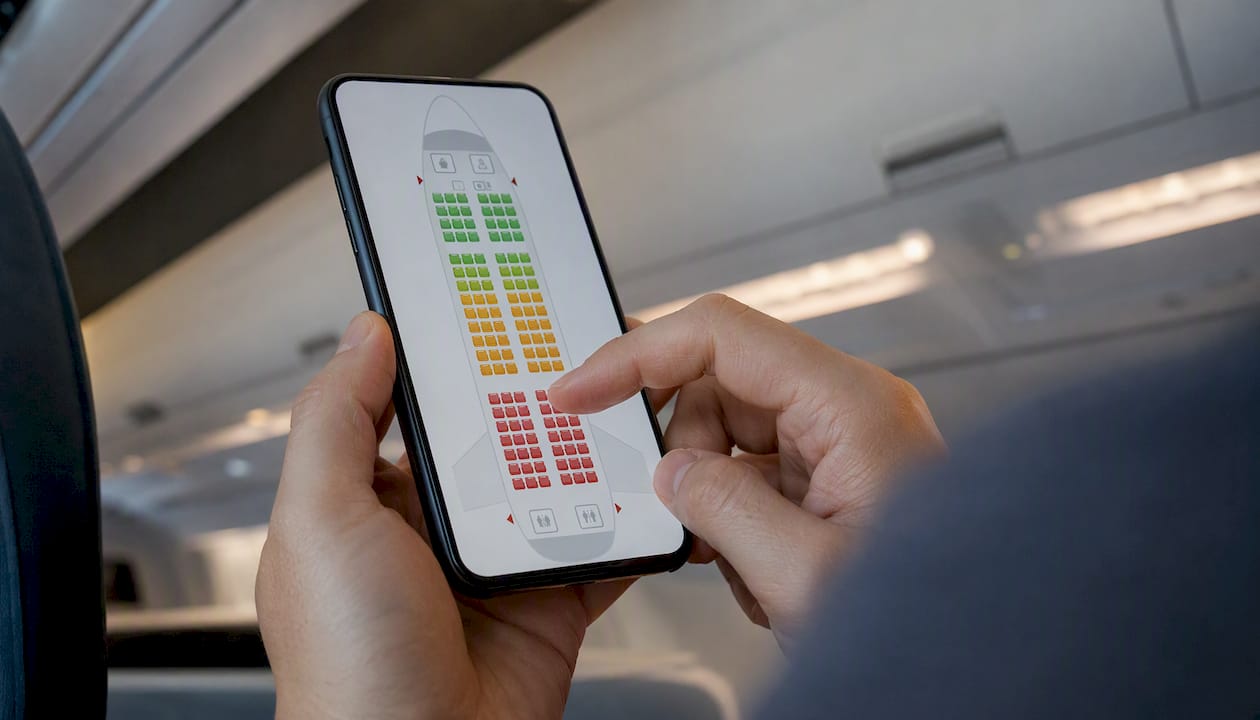
The cabin layout reads top-to-bottom as front-to-back. Green seats are typically available and unrestricted; yellow seats carry a caution (limited recline, proximity to a lavatory, no window); red or gray seats are occupied, blocked, or unavailable. Variant dots or tiles near the aircraft model name indicate that the airline flies multiple configurations — always click through to confirm you’re looking at the right one.
| Seat type | Typical pitch | Typical width | Common restriction |
|---|---|---|---|
| Standard economy | 28–31 in | 17–18 in | None standard |
| Exit row economy | 32–36 in | 17–18 in | Fixed armrests, no under-seat storage at T/O |
| Bulkhead economy | 32–36 in | 17–18 in | Overhead stowage only, possible bassinet |
| Premium economy | 34–38 in | 18–20 in | Varies by airline |
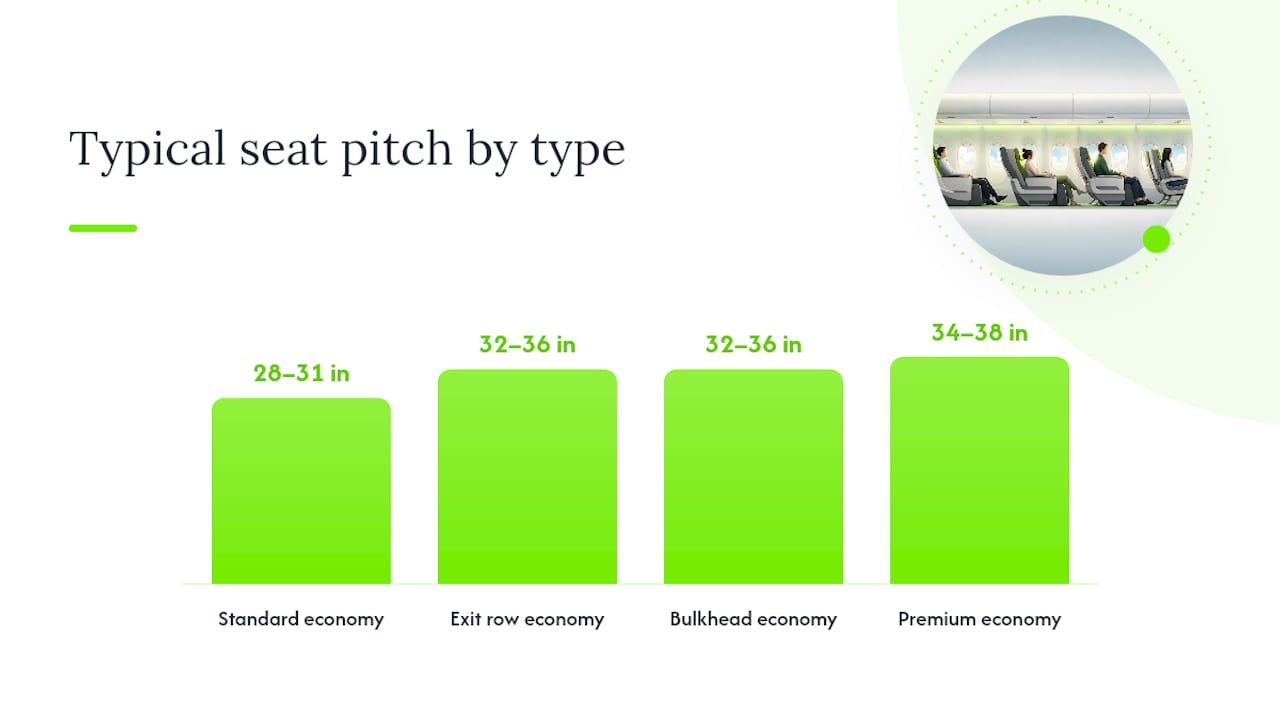
Pitch and width figures are representative ranges drawn from published airline seat specifications and seat-map tool data.
Pro Tip: Seat-map caution markers from SeatGuru often reveal hidden restrictions — like an armrest-mounted tray table that eats into your usable seat width — that the airline’s own booking page never mentions.
A few heuristics hold up across almost every aircraft and airline:
The front-of-cabin myth is worth busting directly. Travel experts note that the deplaning advantage of front seats is frequently overstated relative to the noise and foot traffic those rows attract from nearby galleys and lavatories. Row 5 on many aircraft sits directly behind the forward galley — great for deplaning, rough for sleeping.
Pro Tip: Pick one non-negotiable (say, no lavatory within two rows) and let that filter eliminate the bad options first. Then optimize for your second priority among what’s left.
Live availability is where seat selection goes from guesswork to strategy. Here’s a practical workflow:
A few situations where alerts are especially high-leverage:
Even experienced travelers get tripped up by these:
Start with the aircraft type, then layer your specific travel needs on top — seat selection advice varies significantly by aircraft and trip purpose.
By traveler type:
| Priority | Best seat zone | Key trade-off | Tool to verify |
|---|---|---|---|
| Sleep | Window, rows 15–25 | Must avoid galley/lav rows | SeatGuru caution markers |
| Legroom | Exit row / bulkhead | Fixed armrests, storage limits | SMH seat-pitch data, SeatGuru |
| Low noise | Mid-cabin, away from galleys | May be farther from exits | Live map galley icons |
| Work | Aisle with power port | Less wall support, more traffic | SeatGuru amenity notes |
| Motion sensitivity | Over-wing | Middle seat likely on narrowbody | Aircraft variant map |
Boarding and packing note: if you choose an exit row or bulkhead, all carry-on goes overhead during takeoff and landing. Pack your in-flight essentials — headphones, neck pillow, snacks — in a small personal item you can stow under the seat in front before you reach the exit row, or grab from the overhead bin once cruising altitude is reached. Practical mobility tips for travelers can help you think through what to keep accessible.
Here’s the honest workflow most experienced travelers use, and it’s less glamorous than the seat-selection mythology suggests.
Step one: decide the one thing you won’t compromise on. Not two things — one. For a red-eye, that’s usually “no galley within two rows.” For a long-haul with a laptop, it’s “confirmed power port.” Everything else is negotiable.
Step two: run a flight-number search on a live tool, not the airline’s booking page. The airline map is often a generic layout. A flight-number search on SeatCompare.ai or ExpertFlyer shows the actual assigned aircraft and its real availability.
Step three: set an alert and wait. Paying for a seat at booking makes sense when your non-negotiable is genuinely at risk — a family trip where adjacency matters, or a red-eye where the only quiet window seats are in premium economy. For solo travel on a half-empty flight? Practical seat-selection frameworks suggest waiting until online check-in, when airlines release held seats, before paying a fee.
Step four: recheck at 24-hour check-in. This is when the map reshuffles most dramatically. Exit rows open up, blocked seats clear, and the whole picture changes. Travelers who only check the map at booking and never look again leave a lot of good seats on the table.
One more thing worth saying plainly: sometimes the ideal seat just isn’t available, and no amount of alert-setting changes that. That’s when comfort gear earns its keep. A compact travel seating support from Sitpack can make a mediocre middle seat noticeably more bearable — not a substitute for a good seat, but a solid fallback when the map isn’t cooperating.
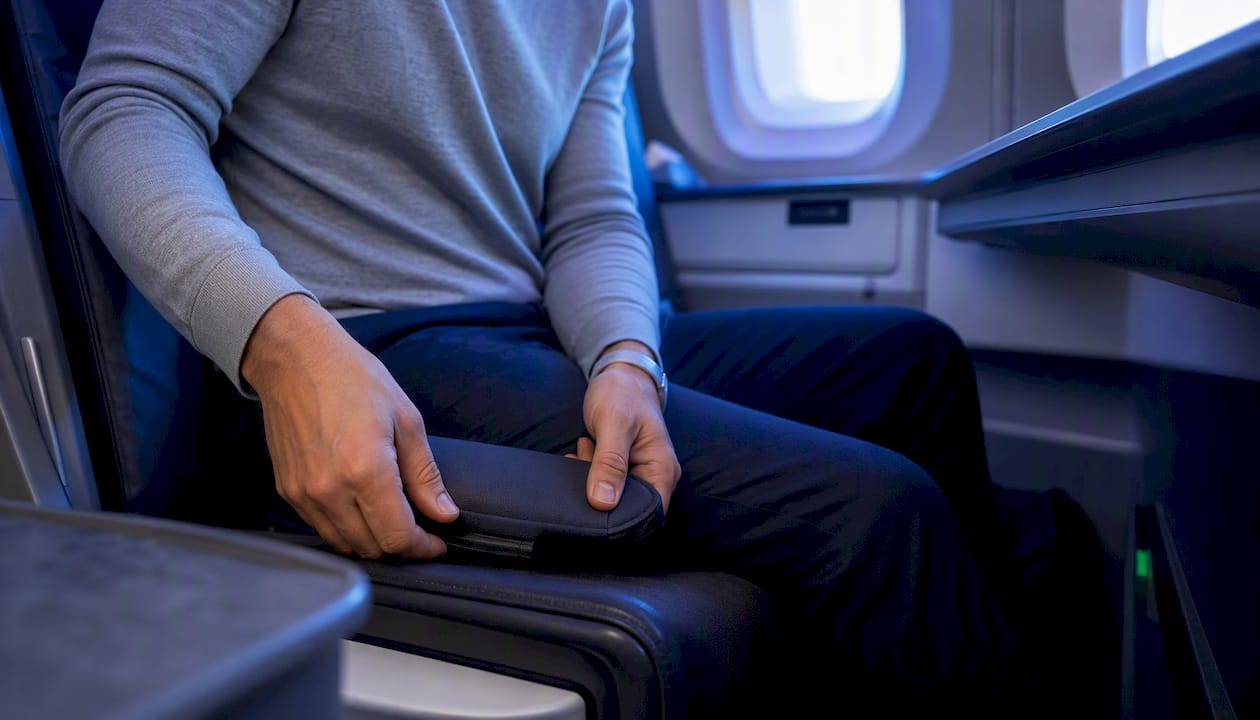
When the exit row is taken and the window seats are gone, your comfort doesn’t have to go with them. Sitpack’s compact, travel-ready seating accessories — including the lightweight Sitpack Zen — are designed to slip into your carry-on and give your back and posture a genuine upgrade on any seat, economy or otherwise. No premium upgrade required.
Think of it this way: paying $45 for an extra-legroom seat you’ll use once makes less sense than a Sitpack product you’ll bring on every flight. The travel seating essentials checklist on Sitpack’s blog walks you through exactly what to pack for long-haul comfort, and the versatile seating guide explains why portable support beats hoping for a good seat assignment.
Browse the full range at Sitpack and find the travel comfort gear that fits your carry-on and your flight.