Vogn
0
Tilmeld dig og få 10% i rabat på din ordre
Forventet levering
1-3 dage
Du vil måske også kunne lide




Dansk Firma

TL;DR:
- Ergonomic portability involves lightweight, packable tools that support proper posture during mobile work and outdoor activities. These systems include laptop stands, external keyboards, portable seats, and lumbar cushions, which reduce musculoskeletal strain and improve comfort. Investing in such setups benefits health during sessions over 45 minutes by minimizing neck, back, and wrist pain.
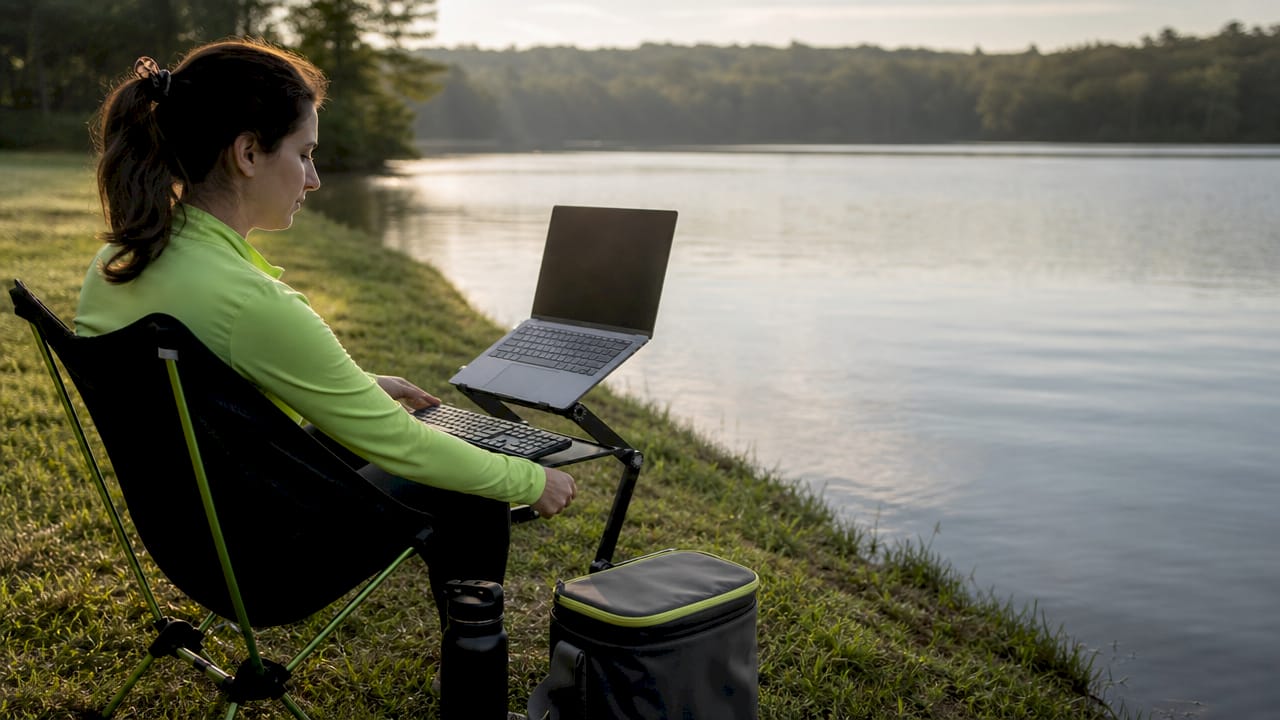
Ergonomic portability is the practice of designing mobile setups that maintain proper posture and body support outside traditional office environments. It combines ergonomics with portability by prioritizing tools that keep your screen at eye level, your wrists in a neutral position, and your back supported whether you’re on a train, at a trailhead, or parked at a café. Products like the Roost Stand, Sitpack Zen, and lightweight foldable keyboards are built around this exact idea. For commuters, outdoor enthusiasts, and mobile workers, ergonomic portability is not a luxury. It’s the difference between a productive day and a sore one.
Ergonomic portability is defined as a system of lightweight, packable tools that replicate the body support of a fixed ergonomic workstation. The keyword here is system. A repeatable, minimalist portable kit enhances comfort and usability far more than a random bag of accessories thrown together before a trip.
The core components of a portable ergonomic setup include:
Portability standards for these products are clear: weight under 1kg per item and a folded size that fits carry-on luggage. Aluminum alloys are the material of choice for stands and frames because they deliver structural firmness without adding bulk. Flimsy plastic alternatives flex under load, which creates micro-instability and muscle tension you might not notice until hour three.
| Product | Ergonomic benefit | Portability |
|---|---|---|
| Foldable laptop stand | Raises screen to eye level | Under 500g, fits in backpack |
| Compact Bluetooth keyboard | Neutral wrist position | Folds flat, carry-on safe |
| Portable lumbar cushion | Lower back support | Compresses to fist size |
| Foldable portable seat | Hip and spine alignment | Under 1kg, clips to bag |
The health case for portable ergonomic setups is well documented. A 2025 meta-analysis of 4,086 workers found that ergonomic interventions reduce lower back pain with an odds ratio of 0.53, meaning workers using ergonomic tools were roughly half as likely to report significant pain. That’s not a marginal improvement. That’s a meaningful shift in daily physical experience.
Organizational data reinforces this. Ergonomic improvements reduce musculoskeletal problems by up to 87%, lowering absenteeism and healthcare costs across industries. The same principle applies to your personal setup on a commuter train or a camping trip. Chronic neck flexion from looking down at a laptop screen, wrist extension from typing on a surface that’s too high, and unsupported sitting on hard benches all accumulate into real injury over time.
The specific body areas that portable ergonomics protects are your neck, shoulders, lower back, and wrists. Neck pain from screen height is the most common complaint among mobile workers. Raising a laptop just 15–20 centimeters with a stand eliminates the forward head posture that strains the cervical spine. Wrist pain follows from typing angles. A keyboard placed flat on a café table forces your wrists into extension, which compresses the carpal tunnel over time.
Pro Tip: Set a timer for every 30 minutes of seated work. Stand, walk 20 steps, and roll your shoulders before sitting back down. Ergonomic tools reduce strain, but movement alongside ergonomic tools is what keeps cumulative injury at bay.
Improved focus is a real side effect of physical comfort. When your body is not sending pain signals, your brain allocates more resources to the task in front of you. Outdoor workers and commuters who invest in portable ergonomic setups consistently report longer productive sessions and less end-of-day fatigue.
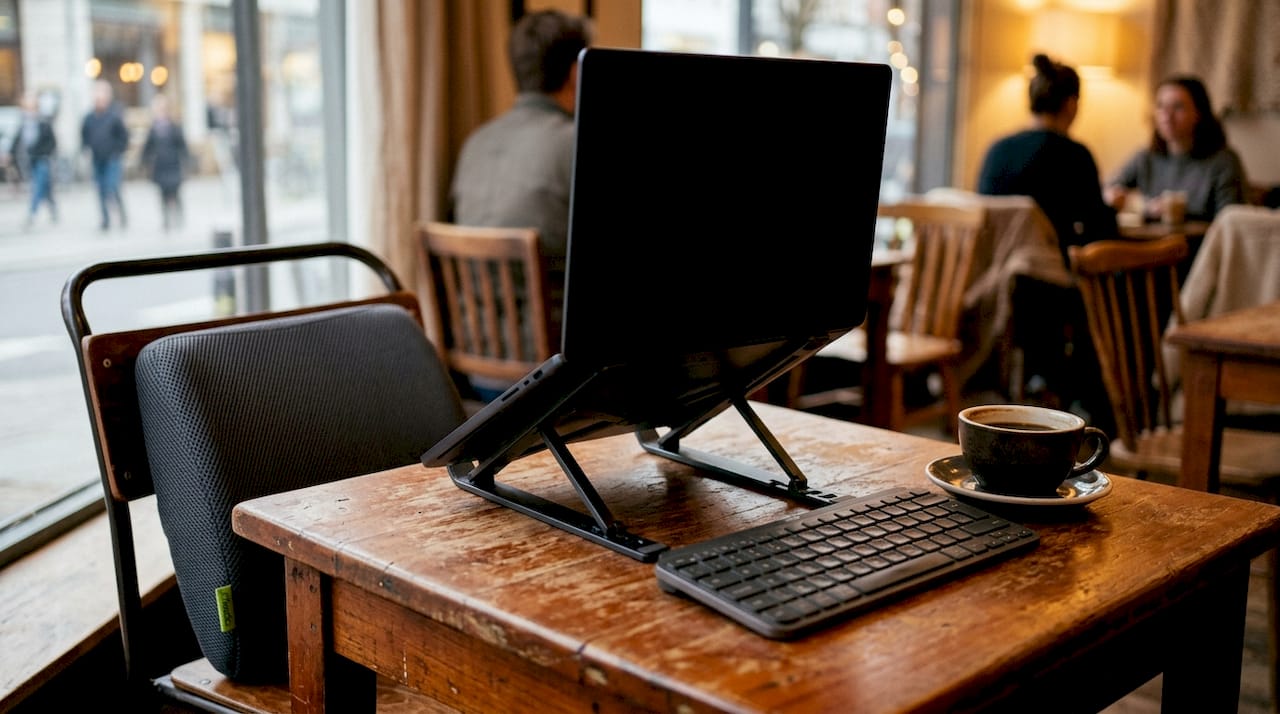
Building a portable ergonomic setup that you actually use consistently requires a system mindset, not a shopping mindset. A standardized kit with fixed accessory placement reduces setup time, cognitive load, and the temptation to leave gear at home because it feels like too much hassle.
Follow these steps to build and use your setup properly:
Pro Tip: Multi-function items earn their place in your bag. A laptop stand that also acts as a document holder, or a seat that doubles as a step stool, cuts weight without cutting support.
Minimalism is the discipline that makes portable ergonomics sustainable. Every item you add to your kit increases the chance you leave something behind. Aim for a setup that fits in one compartment and deploys in under five minutes.
Ergonomic portability sits between two extremes. On one end is a fully configured fixed office with a height-adjustable desk, a Herman Miller chair, and a dual-monitor arm. On the other end is a laptop balanced on your knees at a park bench. Ergonomic portability is the middle path, and it’s worth understanding exactly what it trades away and what it preserves.
| Setup type | Ergonomic support | Portability | Setup speed |
|---|---|---|---|
| Fixed office workstation | High | None | N/A |
| Portable ergonomic kit | Moderate to high | High | 2–5 minutes |
| No setup (laptop on lap) | Low | Complete | Instant |
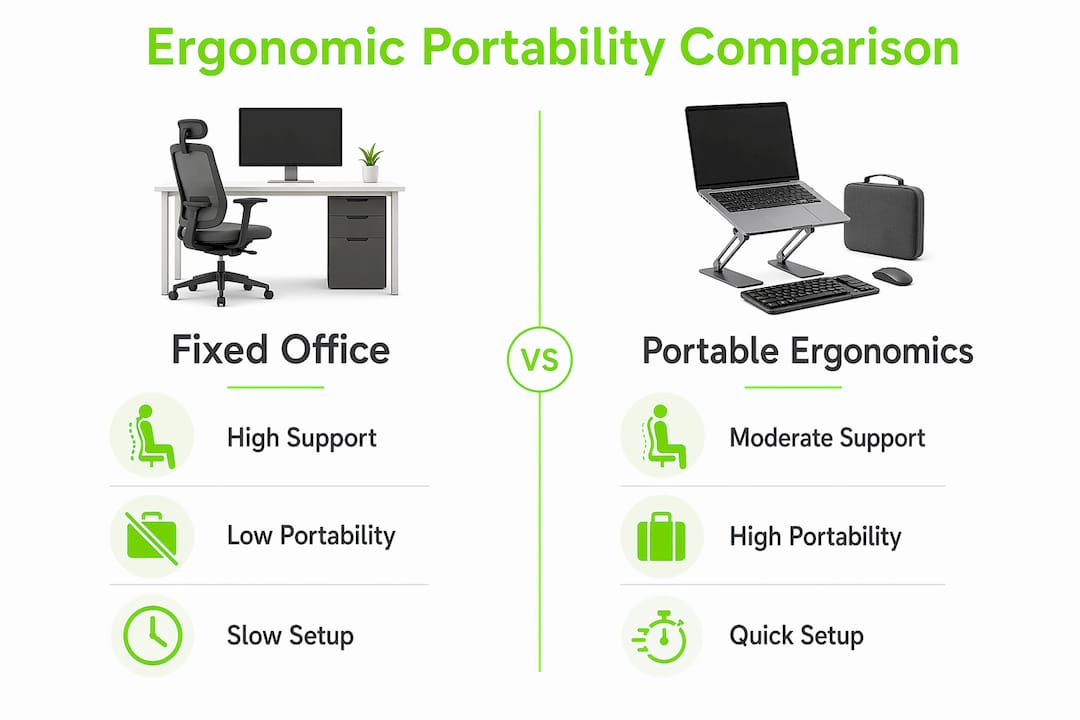
The fixed office wins on customization and stability. You can dial in exact monitor height, chair lumbar depth, and keyboard tilt with millimeter precision. A portable kit cannot match that. What it does deliver is meaningful improvement over no setup at all, which is the realistic alternative for most commuters and outdoor workers.
The biggest limitation of portable solutions is stability. A laptop stand on a soft surface like grass or a cushioned train seat will flex slightly. That flex creates keyboard bounce, which forces your fingers to work harder and increases wrist fatigue. The fix is always to place your stand on the firmest available surface and use a rigid external keyboard rather than typing directly on the laptop.
Ergonomic portability is most valuable for sessions lasting more than 45 minutes. For a quick 10-minute email check, the setup overhead is not worth it. For a two-hour writing session at a trailhead or a three-hour commute with actual work to do, a portable ergonomic kit pays for itself in comfort within the first session. Ignoring ergonomic discomfort during travel increases the risk of chronic musculoskeletal issues, which is a much steeper cost than the weight of a 400-gram laptop stand.
Ergonomic portability is a system of lightweight, body-supporting tools that prevents musculoskeletal strain during mobile work and outdoor activity, delivering measurable health benefits without sacrificing convenience.
| Point | Details |
|---|---|
| Definition is system-based | Ergonomic portability works as a coordinated kit, not a random collection of accessories. |
| Health benefits are significant | Ergonomic interventions cut lower back pain risk roughly in half, per a 2025 meta-analysis. |
| Material quality matters | Aluminum alloy stands and frames provide stability without adding bulk to your pack. |
| Movement is non-negotiable | Ergonomic tools reduce strain, but micro-breaks every 30 minutes are required for full benefit. |
| Best for sessions over 45 minutes | Short interactions don’t justify setup time; longer sessions make the investment worthwhile. |
The biggest mistake I see people make is optimizing for weight at the expense of stability. They buy the lightest stand they can find, discover it wobbles on any surface that isn’t a glass desk, and then stop using it entirely. A stand that weighs 50 grams more but stays rigid is worth every gram.
The second mistake is treating ergonomic portability as a one-time purchase decision. Your kit needs to evolve with your activity patterns. The setup that works for a daily train commute is not the same one that works for a week-long camping trip where you’re also doing remote work. I’ve swapped out components multiple times before landing on a kit that genuinely travels with me without friction.
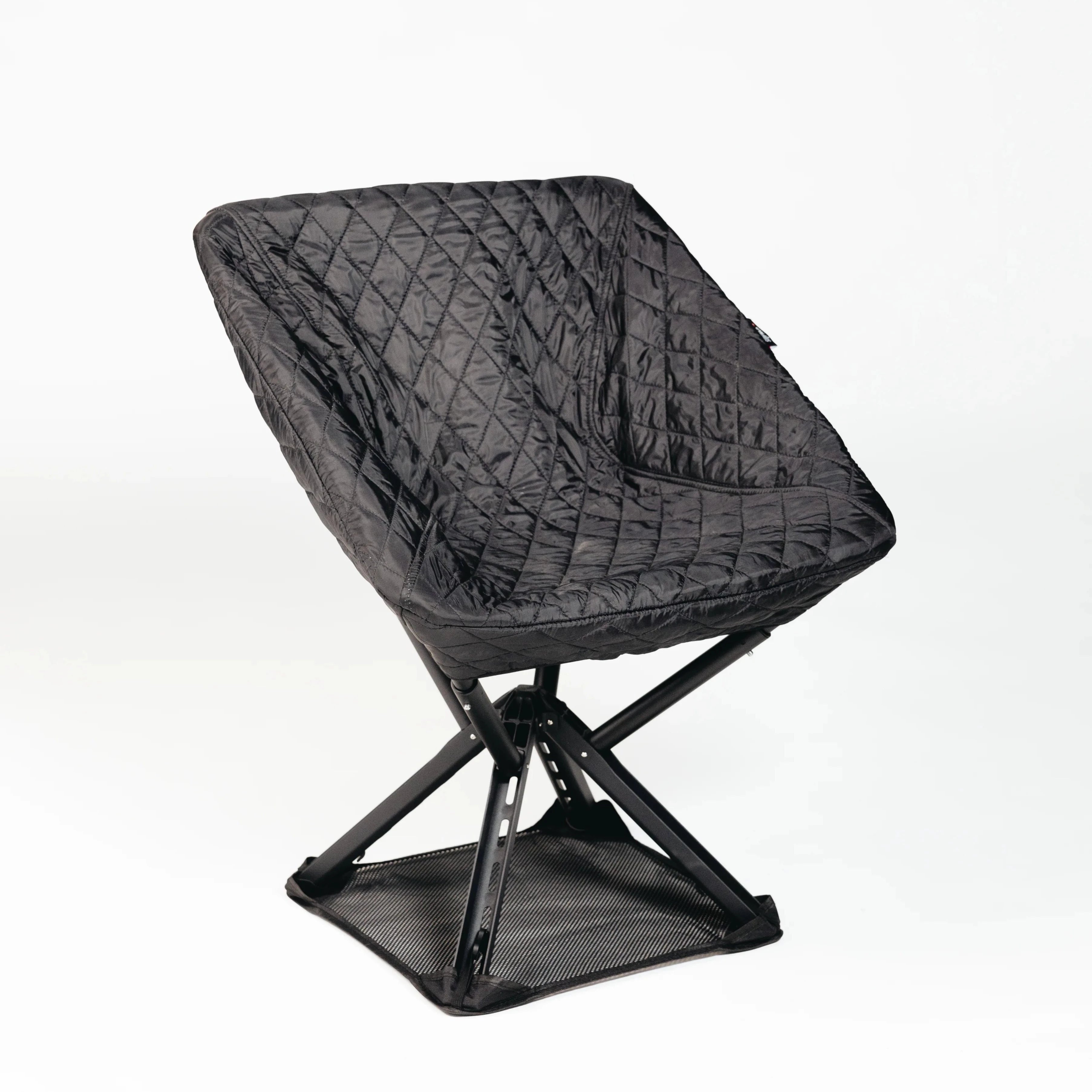
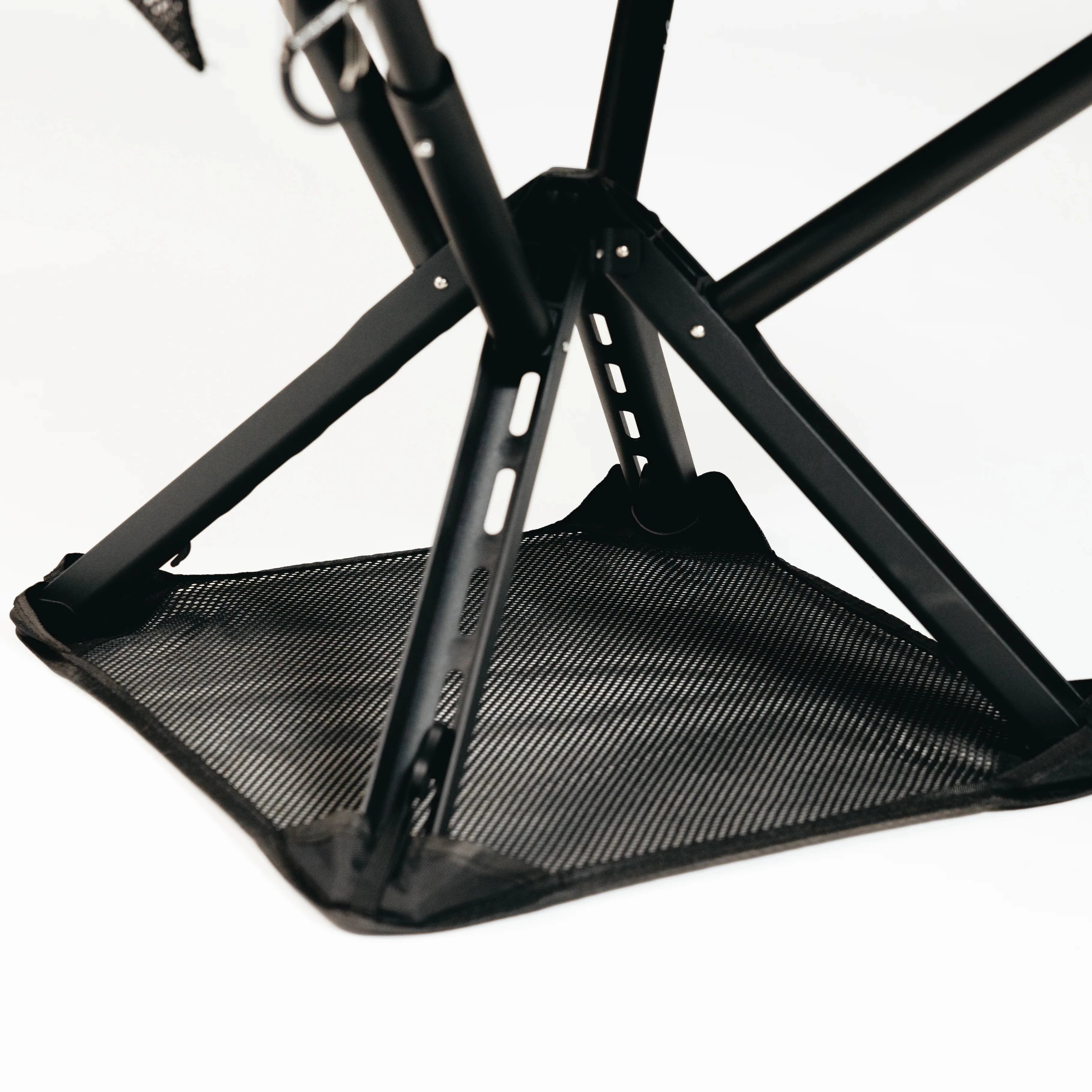
What I’ve come to appreciate most is the role of seating in the whole equation. Most portable ergonomic guides focus entirely on the upper body, the screen, the keyboard, the wrists. But if your seat is wrong, everything above it is fighting an uphill battle. A foldable seat like the Sitpack Zen that actually supports your hips changes the entire posture chain. Fix the base, and the rest of the setup becomes easier to get right.
Ergonomic portability is a long-term investment in your ability to stay mobile and productive without paying for it with your body. That framing matters. When you see a quality portable seat or a solid aluminum stand as a health investment rather than a gear purchase, the calculus changes completely.
— Jonas
If you’ve sorted your screen height and keyboard angle but your seating is still an afterthought, that’s the gap worth closing next. Sitpack builds foldable portable seats designed specifically for outdoor and commuter use, where standard chairs simply don’t exist.
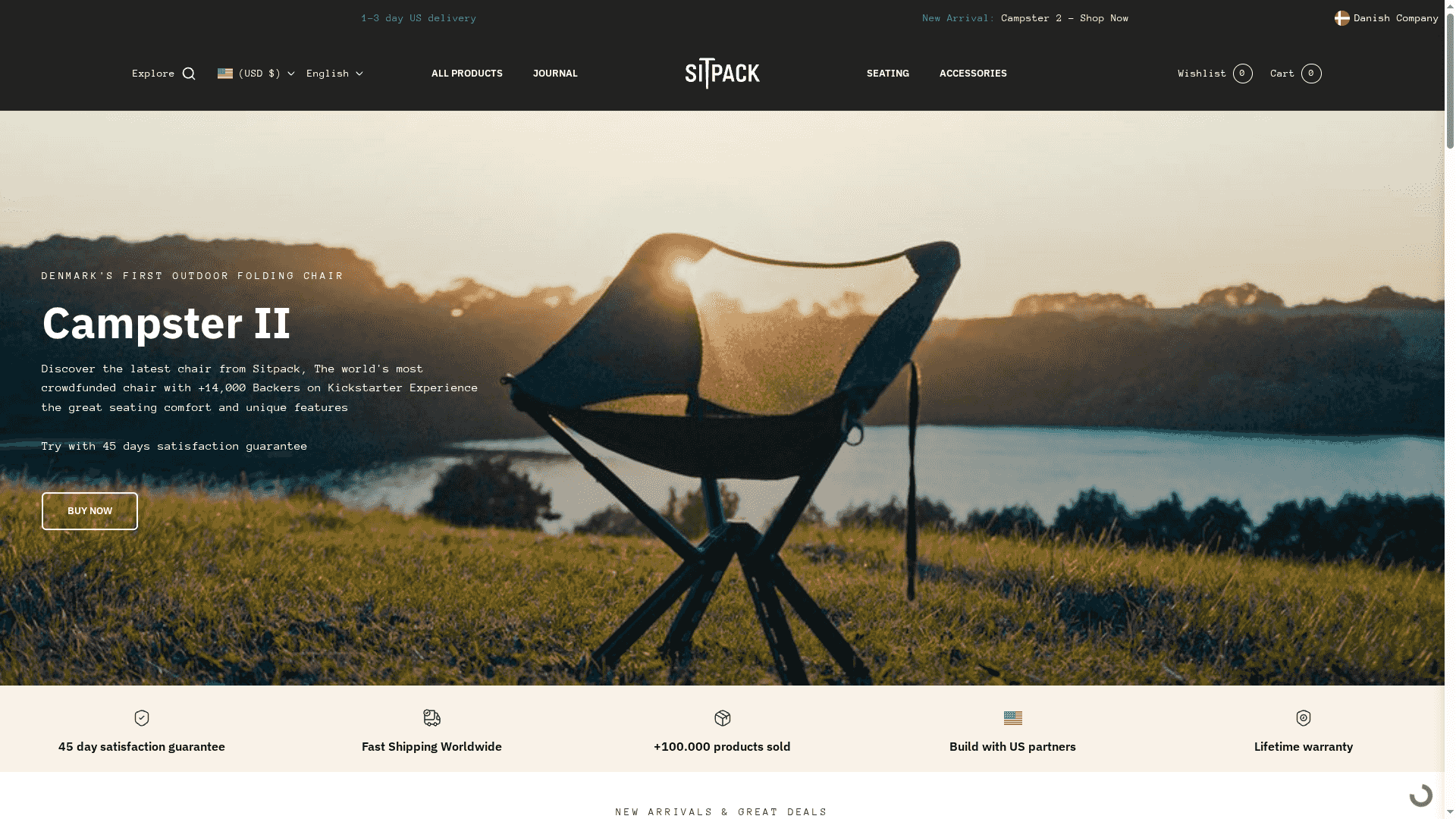
The Sitpack Campster II and Sitpack Zen are built around the same principle that drives good ergonomic portability: lightweight materials, structural support, and a form factor that actually fits in your bag. Both products ship worldwide with a 45-day satisfaction guarantee. For commuters and outdoor enthusiasts who want adaptable seating on the move, Sitpack is a practical starting point. Visit sitpack.com to see the full lineup.
Ergonomic portability is the practice of using lightweight, packable tools to maintain proper body posture and reduce physical strain during mobile work or outdoor activity. It combines the principles of ergonomics with the practical demands of life outside a fixed office.
Portable ergonomic products include foldable laptop stands, compact external keyboards, travel lumbar cushions, and foldable portable seats. The best options weigh under 1kg and fit in a standard carry-on bag or daypack.
A 2025 meta-analysis found that ergonomic interventions cut lower back pain risk by roughly half among workers. Portable setups that raise screen height and support the lower back deliver similar benefits outside the office.
A portable ergonomic setup delivers the most value for work or activity sessions lasting more than 45 minutes. Short interactions don’t justify the setup time, but longer sessions make the comfort and health benefits clear.
Yes. Start with a foldable laptop stand and a Bluetooth keyboard, which together address the most common pain points: neck flexion and wrist extension. Add a posture-supporting seat and lumbar support as your budget allows.